AI Creativity Command Center
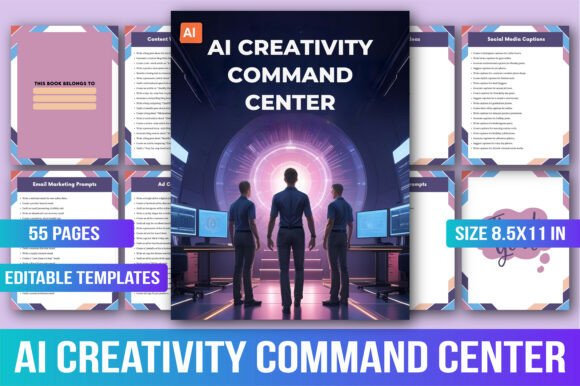
If you’ve ever stared at a blank screen, wondering how to turn an idea into a blog post, a brand voice into a campaign, or a vague goal into a step-by-step plan—this is where the AI Creativity Command Center steps in. It’s not another AI tool that asks you to learn syntax or tweak parameters. It’s a tactile, thoughtfully structured prompt vault: 1000 field-tested prompts, organized across 50 practical categories, designed to meet you where you are—whether you’re drafting a newsletter before sunrise, refining a client’s brand strategy mid-afternoon, or brainstorming lesson plans between classes.
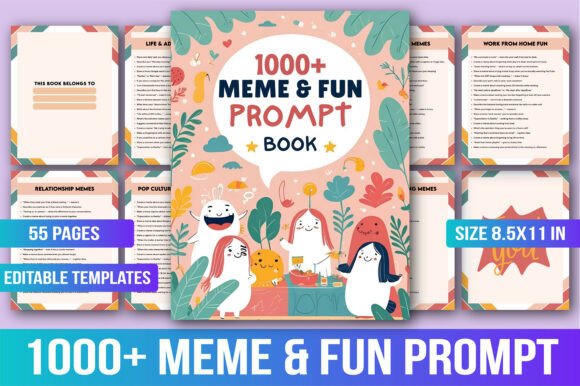
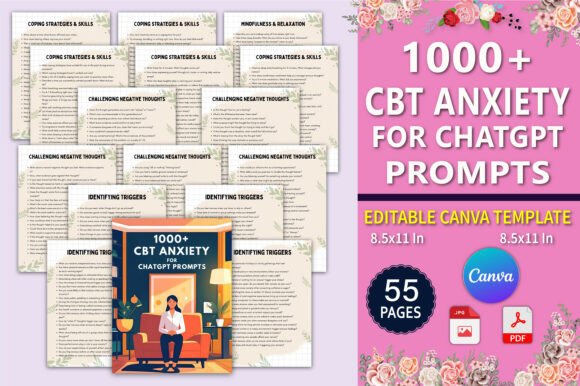
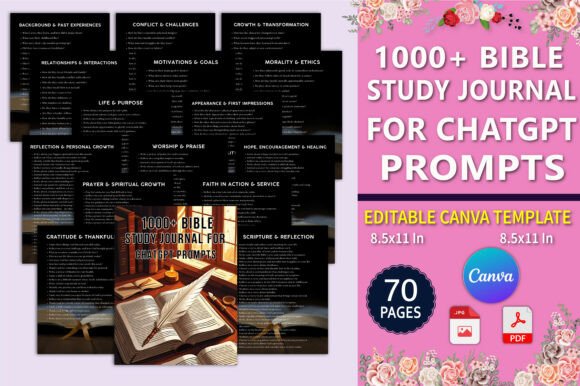
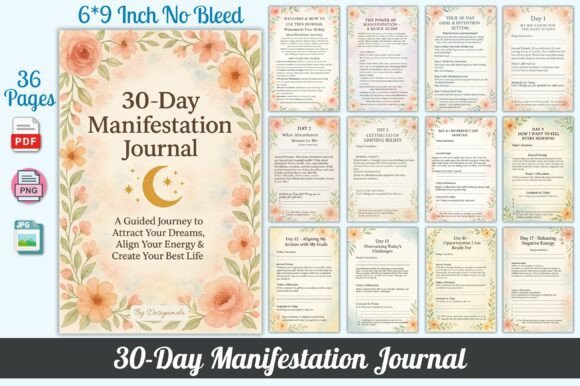
Visually, the AI Creativity Command Center feels like a creative studio notebook crossed with a tactical operations manual. The printable PDF and high-resolution PNG/JPG files use clean, intentional spacing, subtle visual cues (like section dividers and icon-led headers), and a consistent 8.5×11 inch layout optimized for both digital scanning and physical printing. There’s no flashy animation or forced “tech” aesthetic—just clarity, hierarchy, and quiet confidence. Its personality is supportive but never patronizing, structured but not rigid, professional without losing warmth. Think of it as the kind of resource you’d leave open on your second monitor or dog-ear in your favorite notebook—not because it’s trendy, but because it reliably moves work forward.
Where This Prompt Vault Fits in Real Creative Work
This isn’t just about generating text. It’s about grounding AI use in real creative disciplines. Writers use the AI Creativity Command Center to draft hooks, reframe angles, or adapt tone for different platforms—without starting from zero each time. Marketers apply prompts from the “audience empathy” or “campaign ideation” sections to move past generic messaging and into nuanced positioning. Designers reference the “visual storytelling” and “brand voice alignment” prompts when briefing AI image tools or refining copy for mockups. Educators pull from the “lesson scaffolding” or “student engagement” clusters to build adaptable classroom resources. Even small business owners use the “service packaging” or “client onboarding” prompts to clarify offerings and reduce back-and-forth emails.
The 55 included templates reinforce this versatility. A “Social Media Content Calendar” template helps creators batch posts across platforms while maintaining voice consistency. A “Brand Voice Audit” sheet supports teams aligning copy across websites, emails, and ads. A “Freelance Project Brief Builder” streamlines client discovery—no more vague “make it pop” requests. Each template is built around constraints that actually help: defined word counts, audience filters, format specs (e.g., “3 bullet points + 1 CTA”), and contextual guardrails (“avoid jargon,” “include one analogy”). That structure doesn’t limit creativity—it focuses it.
Readability, Rhythm, and Real-World Use
Because the AI Creativity Command Center is meant to be *used*, not just owned, its design prioritizes scannability and cognitive ease. Headings are bold and distinct, but not oversized. Body text uses generous line height and left-aligned paragraphs—no justified text traps or narrow columns that strain reading flow. Prompts are phrased concisely (rarely over 15 words), with clear verbs (“draft,” “reframe,” “compare,” “generate”) and concrete nouns (“email sequence,” “product description,” “onboarding checklist”). There’s no ambiguity about what to do next.
This attention to readability directly supports visual hierarchy and audience engagement. When prompts are easy to parse, users spend less time decoding and more time creating. That builds consistency across projects—whether you’re writing daily LinkedIn posts or developing a full brand toolkit. It also reinforces professionalism: a well-structured prompt library signals intentionality, not improvisation. For teams, it becomes a shared language—reducing misalignment between writers, designers, and strategists who might otherwise interpret “creative direction” differently.
Getting Started Without Overthinking It
You don’t need to master AI first. The AI Creativity Command Center assumes you’re already doing meaningful work—and simply want better starting points. Open the PDF. Find the section that matches your immediate need: “Blog Post Outlines,” “Email Subject Lines,” “UX Microcopy,” “Grant Application Tips.” Pick a prompt. Paste it into your preferred AI tool. Tweak only what matters—maybe swap “small bakery” for “local ceramics studio,” or add “tone: warm but authoritative.” Then iterate based on output, not theory.
For those pairing it with other design assets, test how prompts interact with your existing workflows. Try feeding a “logo tagline generator” prompt into an AI tool, then paste the output into your Figma file alongside your brand’s primary typeface. Does the rhythm match? Does the length fit your lockup? If not, adjust the prompt—not the font, not the tool, but the instruction. That’s where the real leverage lives: in precise, human-guided direction.
Why It Sticks Around (Beyond the First Week)
Most prompt collections lose relevance after a few uses. The AI Creativity Command Center avoids that by anchoring prompts in outcomes—not outputs. Instead of “write a poem,” it offers “generate three metaphors comparing [product] to natural systems, for use in a sustainability report.” Instead of “make a slogan,” it gives “craft five 4-word slogans that reflect resilience and precision, targeting engineers aged 30–45.” These are prompts built by people who’ve sat through stakeholder reviews, edited for legal compliance, or adapted content for regional dialects.
That depth makes it durable. A student uses the “research question framing” prompts for thesis prep, then switches to “presentation script outlines” for defense day. A coach revisits the “client reflection journal prompts” weekly, rotating through emotional intelligence, habit tracking, and goal recalibration variants. A craft business owner starts with “product description templates,” then layers in “seasonal campaign hooks” and “community storytelling prompts” as their audience grows.
If you’ve collected AI tips, bookmarked chatbot tricks, or saved half-finished prompt lists across devices—the AI Creativity Command Center is the grounded, organized alternative. It doesn’t promise magic. It delivers momentum.