The Midjourney Artist’s Prompt Vault
If you’ve ever stared at a blank Midjourney prompt box—cursor blinking, idea well dry—you’re not alone. Whether you’re sketching a character for a novel, designing assets for a client’s indie game, or brainstorming visuals for a classroom lesson on mythology, the gap between imagination and execution can feel wide. That’s where The Midjourney Artist’s Prompt Vault steps in—not as a magic button, but as a practical, hands-on toolkit built from real creative workflows.
What It Actually Is (and What It’s Not)
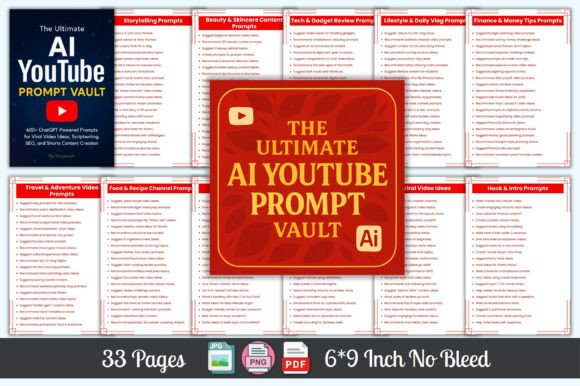
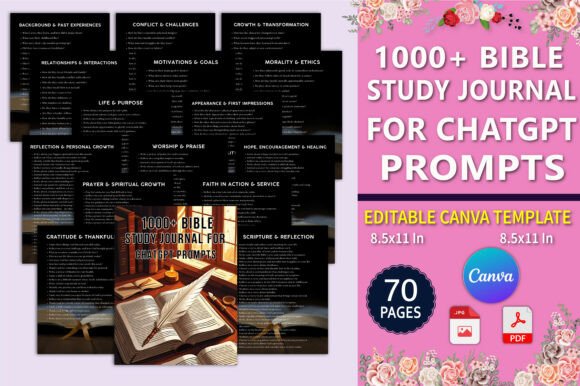
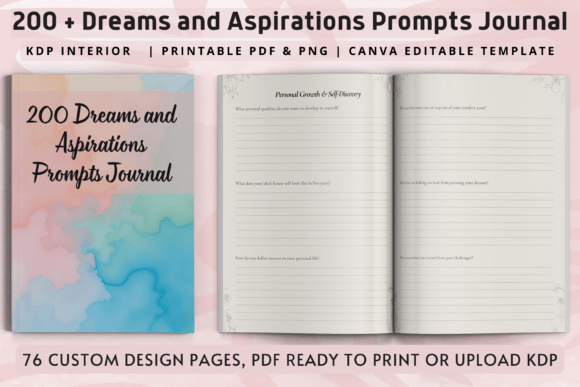
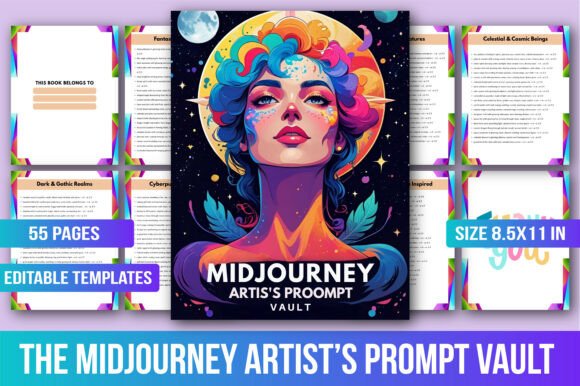
The Midjourney Artist’s Prompt Vault is a curated, ready-to-use collection of over 1,000 AI art prompts—each written, tested, and formatted specifically for Midjourney (v5.2 through v6), while remaining compatible with DALL·E, Stable Diffusion, and other image generators. It’s not a course, a plugin, or a subscription service. It’s a printable, searchable, no-login-needed resource: a high-resolution PDF and image files designed to sit beside your keyboard like a trusted reference book.
Think of it like a physical prompt deck for your digital studio—organized not by technical jargon, but by what you’re trying to *make*. Need a sentient forest? A retro-futuristic spaceport at dusk? A steampunk librarian with clockwork spectacles? It’s all there—grouped into 50 intuitive categories, from “Desert Gods” and “Neon Noir Interiors” to “Bioluminescent Deep-Sea Cities” and “Post-Apocalyptic Markets.”
When and Where People Reach for It
Creators don’t use tools in theory—they reach for them in moments of friction. Here’s where The Midjourney Artist’s Prompt Vault shows up in real life:
- A freelance concept artist prepping mood boards for a sci-fi webcomic uses the “Cybernetic Folklore” section to generate three distinct takes on augmented shamans—fast, consistent, and stylistically varied—without rewriting prompts from scratch each time.
- An educator teaching worldbuilding prints the “Mythic Architecture” templates and has students pick one (e.g., “floating monolith temples held aloft by gravity-defying vines”) to describe in writing, then generate visually—bridging literacy, critical thinking, and digital creativity in one assignment.
- A small business owner launching an artisanal candle line pulls prompts from “Enchanted Botanical Still Lifes” to create Instagram-ready product mockups—amber glass jars surrounded by petrified wood, dried moonflowers, and soft mist—no photographer or studio rental needed.
- A writer stuck on a scene drops a prompt like “abandoned observatory under twin moons, cracked dome revealing nebula, cinematic lighting --v 6 --ar 16:9” into Midjourney. The resulting image sparks new sensory details—the smell of ozone, the echo of distant wind chimes—that feed directly back into their prose.
Why Format Matters More Than You Think
It’s not just *what* the prompts say—it’s how they’re delivered. Every entry in The Midjourney Artist’s Prompt Vault includes version flags (like --v 6) and aspect ratios (e.g., --ar 2:3 for portrait character shots or --ar 16:9 for cinematic landscapes). That means less trial-and-error tweaking, fewer broken generations, and more reliable output—especially important if you’re batching assets for a client deadline or building a consistent visual brand.
The layout is intentionally clean and printer-friendly: 8.5×11 inch pages, bold category headers, minimal decoration. No scrolling, no logins, no waiting for a server to load. Just open the PDF, flip to “Oceanic Ruins,” copy a prompt, paste, and go. That immediacy matters when you’re mid-flow—or mid-panic before a Zoom call with stakeholders.
Who Benefits—and How Their Needs Differ
A hobbyist creating fan art for a tabletop RPG might lean heavily on the “Fantasy Character Archetypes” and “Monster Ecology” sections—using prompts as springboards for quick, expressive sketches. They value clarity and speed over fine-tuned control.
A professional illustrator developing assets for a mobile game, however, will use the same vault differently: scanning for prompts tagged with “isometric,” “flat lighting,” or “tileable background,” then adjusting parameters like --stylize 500 or --s 750 to match their engine’s rendering pipeline. For them, consistency across dozens of outputs is non-negotiable—and the vault’s standardized formatting reduces variance.
Even marketers and bloggers find utility here. Need a custom header image for a post titled “5 Forgotten Mythologies That Deserve a Video Game”? Pull “Ancient Deity Portraits” prompts, swap in names like “Yoruba Orisha” or “Slavic Perun,” and generate culturally resonant (not stereotyped) visuals—fast, ethically grounded, and fully editable.
What to Keep in Mind Before Using It
This isn’t a replacement for learning Midjourney—but it *is* a force multiplier for that learning. If you’re new to AI image generation, start with the “Beginner-Friendly Themes” section (e.g., “Soft Light Portraits,” “Minimalist Object Studies”). These prompts use simpler syntax and forgiving parameters, helping you build confidence before diving into complex worldbuilding scenes.
If you’re using it commercially—say, for client work or merchandise—double-check licensing terms for your AI tool (Midjourney’s current Terms allow commercial use of v5+ outputs). Also remember: the vault gives you prompts, not final art. Always review outputs for unintended bias, cultural misrepresentation, or trademark conflicts—especially when adapting prompts for specific brands or communities.
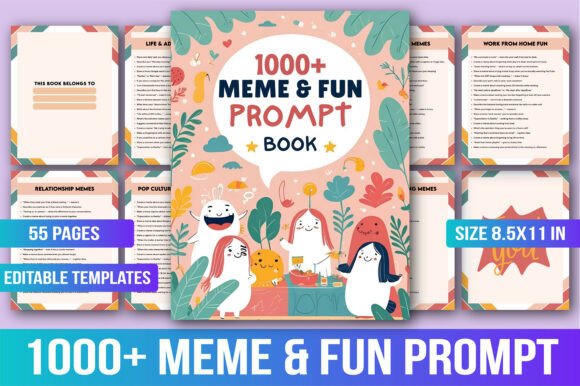
And while the 55 printable templates cover a wide range, they’re not exhaustive. Use them as launchpads—not cages. Swap in your own nouns (“crystal fox” → “obsidian fox”), adjust moods (“serene” → “ominous”), or layer modifiers (“with ink-wash texture,” “in the style of Studio Ghibli storyboards”) to make each result unmistakably yours.
Real Value, Not Just Volume
Yes, it includes 1,000+ prompts—but what makes The Midjourney Artist’s Prompt Vault useful isn’t the count. It’s the curation. Each prompt was written to avoid common pitfalls: overloading adjectives, conflicting styles, or vague abstractions (“epic,” “beautiful,” “magical”). Instead, you’ll find concrete, sensory-rich language (“moss-draped stone archway glowing faintly with embedded geodes,” “holographic street signs flickering in acid rain”)—the kind that actually works in practice.
That attention to real-world usability is why educators print it for workshops, indie devs keep it open during sprint planning, and writers stash it in their research folders next to lore bibles and color palettes. It doesn’t promise inspiration—it removes the friction that blocks it.